Step-by-Step VoIP Setup for 25-Seat Call Centers
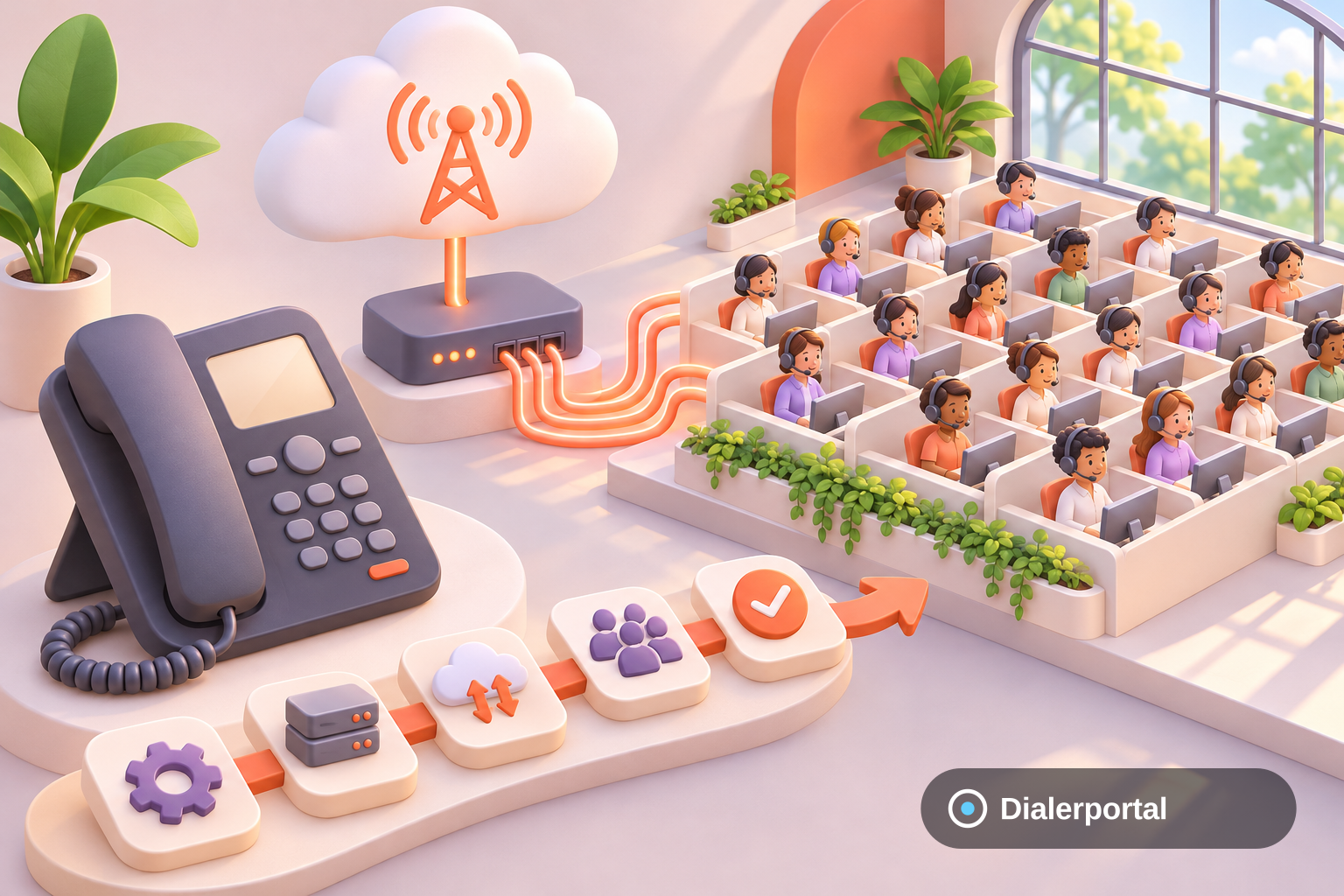
Setting up a VoIP system for a 25-agent call center involves selecting the right provider, configuring hardware and software, and ensuring proper training. This guide walks you through each step to ensure a seamless transition to a VoIP-based system.
How do you set up a VoIP system for 25 agents?
Setting up a VoIP system for 25 agents requires selecting a reliable provider, configuring SIP trunks, and training staff on VoIP software use. Dialerportal simplifies this with no-code setup, dedicated support, and a chat widget for instant communication.
Step 1: Assess Your Needs and Choose a Provider
Identify Core Requirements
Determine the specific needs of your call center, such as call volume, international calling, and integration with existing CRM tools. Look for features like call recording, IVR, and analytics.
Select a VoIP Provider
Choose a provider that offers transparent pricing and robust support. Dialerportal offers transparent pricing and dedicated support for SMBs.
Step 2: Configure Hardware and Software
Set Up SIP Trunks
Configure SIP trunks to handle multiple concurrent calls. Ensure your provider supports SIP and STIR/SHAKEN for secure call authentication.
Install and Configure VoIP Phones
Install VoIP phones or softphones on computers. Dialerportal's solutions support no-code installation, making setup straightforward.
Step 3: Test and Train Your Team
Conduct Initial Testing
Test the system to ensure call quality and connectivity. Address any technical issues before going live.
Train Your Staff
Provide comprehensive training to your staff on using VoIP tools and features. Incorporate live call handling and CRM integration.
How Dialerportal Helps Your VoIP Transition
Dialerportal offers a seamless transition with no-code setup and a chat widget for instant communication. You can contact our team for personalized support. Our chat widget allows you to talk to a human in ~30 seconds, chat or call, no app to install.
Conclusion
Setting up a VoIP system for a 25-agent call center is manageable with the right provider. Dialerportal supports SMBs with tailored solutions and exceptional support. For more information, request a custom quote or explore our solutions.
For the full picture, see our voip for call center page.
Frequently Asked Questions
What are the key features to consider in a VoIP provider?
Consider call quality, scalability, customer support, and integration capabilities. Dialerportal offers these, along with a chat widget for instant communication. Learn more.
How long does it take to set up a VoIP system?
With Dialerportal's no-code setup, you can have your system operational in hours, not weeks. Our dedicated support ensures a smooth process. Get support.
Can I integrate VoIP with existing CRM software?
Yes, Dialerportal's VoIP solutions are designed to integrate seamlessly with many CRM platforms, enhancing your call center's efficiency. Explore related guides.
How can I test call quality during setup?
Conduct thorough testing by making test calls and checking for clarity and connectivity. Our support team can assist with any issues. Contact us.
How do I talk to a human quickly if I have questions?
Use Dialerportal's chat widget to talk to a human in ~30 seconds, chat or call directly from your browser. No app needed. Discover more.