Troubleshooting Common VoIP Issues for International Calls
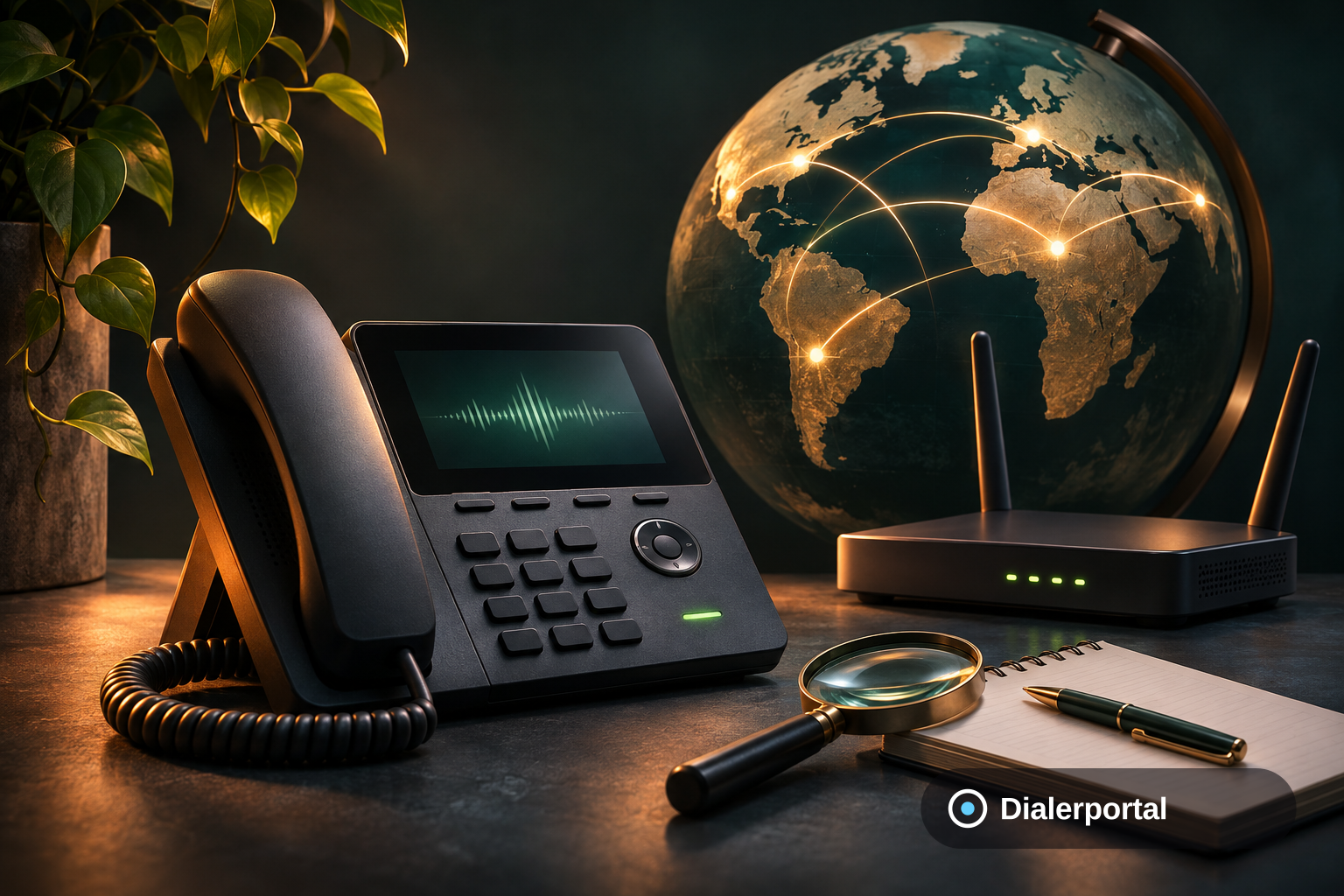
To troubleshoot common VoIP issues affecting international calls, identify the root causes such as network instability, SIP configuration errors, or inadequate bandwidth. Solutions include optimizing network settings, using SIP trunking, and ensuring sufficient bandwidth.
What are the common VoIP issues affecting international calls?
The most common VoIP issues for international calls include poor call quality, dropped connections, and latency. These problems are often caused by network instability, incorrect SIP configurations, or insufficient bandwidth.
How to Improve VoIP Call Quality
Enhancing VoIP call quality for international calls starts with ensuring a stable internet connection. Use a wired connection instead of Wi-Fi and check your bandwidth. VoIP calls require a minimum of 100 kbps per call, but 300 kbps is recommended for high-quality audio.
Optimize Network Settings
Adjust your router settings to prioritize VoIP traffic. Enable Quality of Service (QoS) to ensure that voice packets are given priority over other types of data.
Use SIP Trunking
SIP trunking can improve call quality by providing a direct connection to the internet, reducing latency and jitter. Ensure your SIP settings are correctly configured to match your service provider's requirements.
Addressing Dropped Connections
Dropped connections during international VoIP calls are often due to unstable networks or incorrect SIP configurations. Verify that your network is stable and that SIP settings are accurately configured.
Check for Network Congestion
Network congestion can cause dropped calls. Schedule VoIP calls during off-peak hours or upgrade your internet plan if congestion is frequent.
Ensure Proper SIP Configuration
Incorrect SIP settings can lead to dropped calls. Double-check your SIP configurations against your provider’s guidelines to ensure compatibility.
Reducing Latency and Jitter
High latency and jitter can disrupt international VoIP calls. To reduce these issues, ensure a stable network and use SIP trunking.
Upgrade Your Network Equipment
Outdated routers and modems can cause latency. Consider upgrading to modern equipment that supports higher data rates and better traffic management.
Implement Network Monitoring Tools
Use network monitoring tools to track latency and jitter in real-time. This allows you to identify and address issues before they impact call quality.
How Dialerportal Helps
With Dialerportal, you can best voip for international calls without the hassle. Our solutions include a chat widget that lets you talk to a human in ~30 seconds via chat or call, with no app to install. Our dedicated support and transparent pricing ensure a seamless experience.
Explore how Dialerportal can enhance your VoIP experience by visiting our solutions page or request a custom quote.
Frequently Asked Questions
Why is my VoIP call quality poor?
Poor VoIP call quality can result from network instability, insufficient bandwidth, or incorrect SIP settings. Ensure a stable internet connection and check your configuration settings. For more assistance, visit our support page.
How can I prevent dropped VoIP calls?
Prevent dropped VoIP calls by ensuring a stable network and checking SIP configurations. Avoid network congestion by scheduling calls during off-peak hours. Learn more about optimizing your system on our related guides.
What is SIP trunking and why is it important?
SIP trunking provides a direct internet connection for VoIP calls, reducing latency and improving call quality. It's important for maintaining consistent, high-quality international calls. Discover more on our best voip for international calls page.
Can I talk to a human instantly via Dialerportal?
Yes, with Dialerportal's chat widget, you can start a live chat or place an instant call to sales right from your browser, no app required. Experience this feature by visiting our contact page.
For further assistance or to contact our team, use our chat widget or fill out our contact form for immediate support.