Step-by-Step VoIP Setup for 5-Agent Teams
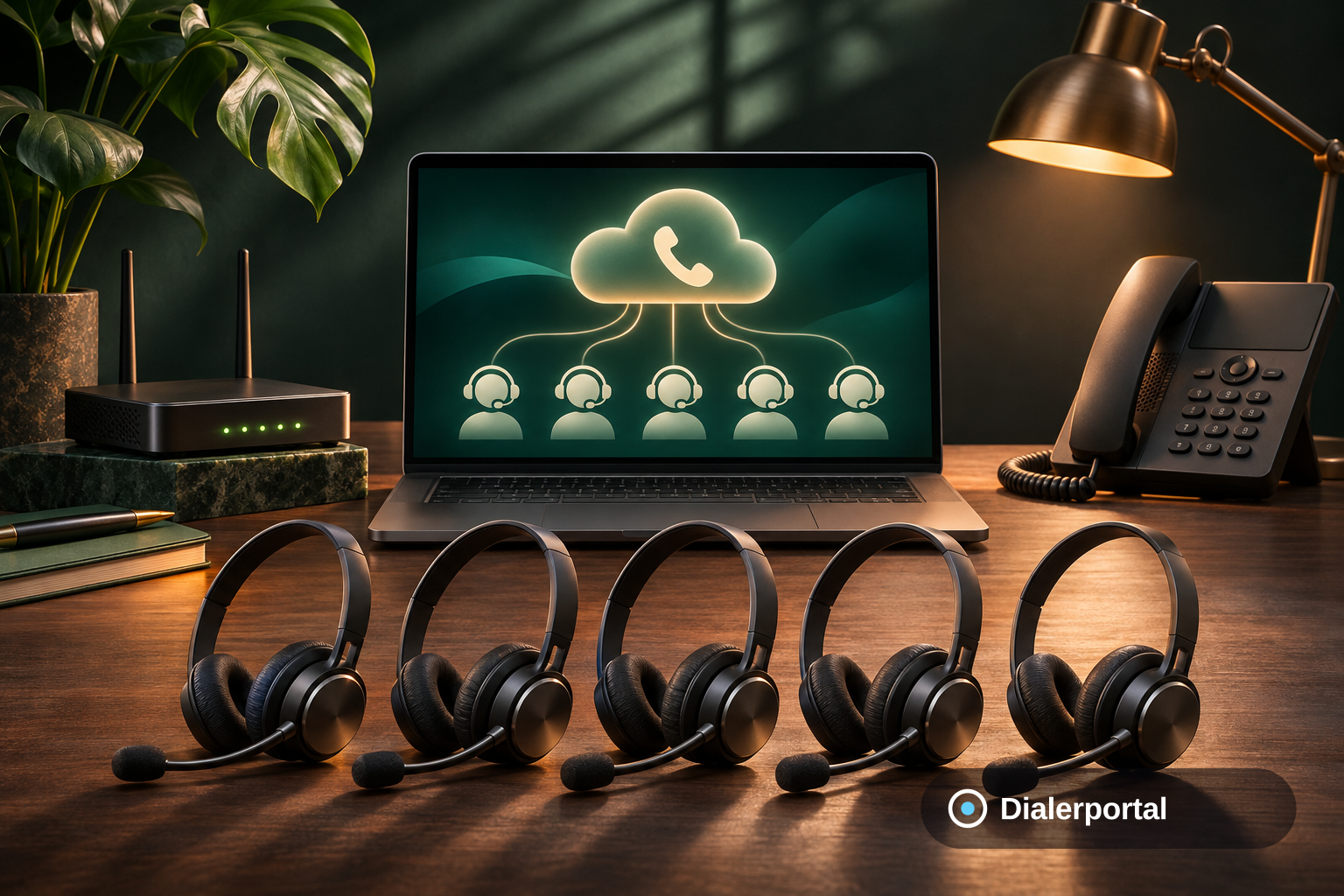
Setting up a VoIP contact center for a 5-agent team with Dialerportal is straightforward and efficient. Our no-code setup takes hours, not weeks, and features transparent pricing, ensuring your team is operational swiftly. Leverage our chat widget to connect with sales instantly, chat or call, no app required.
How do I set up a VoIP contact center for 5 agents?
To set up a VoIP contact center for 5 agents, start by assessing your team's needs and choosing a provider like Dialerportal. With no-code setup, transparent pricing per seat, and a chat widget for instant communication, your team can be up and running in hours. Here’s how:
Assess Your Team's Needs
Identifying your team's specific requirements is the first step in setting up a VoIP contact center. Consider the following:
- Call Volume: Estimate the number of calls your agents will handle daily.
- Features Required: Determine if you need IVR, call recording, or predictive dialers.
- Budget: Assess your financial capacity for setup and monthly costs.
Select the Right VoIP Provider
Choosing the right provider is crucial. Dialerportal offers:
- No-Code Setup: Get started quickly without technical expertise.
- Transparent Pricing: Check our transparent pricing for cost clarity.
- DIDs in 70+ Countries: Expand your reach effortlessly.
Implement the VoIP System
Once you've selected Dialerportal, proceed with implementation:
- Hardware Setup: Ensure agents have headsets and internet-ready devices.
- Configure Features: Customize call flows, IVR menus, and user access.
- Testing: Conduct trial calls to ensure system reliability.
Train Your Agents
Proper training ensures your team utilizes the system effectively:
- Feature Familiarization: Train agents on using IVR and call recording.
- Customer Interaction: Role-play scenarios to improve service quality.
- Support Access: Encourage agents to use dedicated support for technical issues.
Monitor and Optimize
After setup, continuously monitor performance to optimize operations:
- Call Analytics: Review call data to identify patterns.
- Feedback Loops: Gather agent and customer feedback for improvements.
- System Updates: Regularly update features for enhanced performance.
How Dialerportal helps
Dialerportal provides a comprehensive solution for small teams. With a no-code setup, transparent per-seat pricing, and dedicated SMB support, your team can operate efficiently. Our chat widget lets prospects connect instantly, talk to a human in ~30 seconds, chat or call, no app to install. To learn more, explore our voip contact center solutions.
By following these steps, your 5-agent team can efficiently manage calls and enhance customer service. For personalized assistance, request a custom quote or contact our team.
Frequently Asked Questions
What equipment is needed for a VoIP contact center?
A VoIP contact center requires internet-ready devices, headsets, and a reliable VoIP system provider like Dialerportal. With our no-code setup, your team can be ready in hours. Check our solutions for more details.
How does Dialerportal's chat widget work?
Dialerportal's chat widget allows prospects to start a live chat or call instantly from the browser, no app required. This ensures quick connection with sales, enhancing customer experience. Learn more on our voip contact center page.
Can we expand the system as our team grows?
Yes, Dialerportal's scalable solutions allow easy expansion as your team grows. With DIDs in 70+ countries, your reach is limitless. For expansion options, contact our team.
What support does Dialerportal offer?
Dialerportal offers dedicated support for SMBs, ensuring your system runs smoothly. Our team is available to assist with any queries or issues. Visit our dedicated support page for more information.